My local-ai Duolingo
My local-ai Duolingo
At some point, I got increasingly irritated by the idea of having to pay for Duolingo to learn a language. Don't get me wrong: I genuinely liked its learning style, the gamification, and the way it introduced new vocabulary through repetition and context. What I didn't particularly enjoy was being locked into its predefined phrases, vocabulary, and learning paths.
So I decided to build my own.
The idea was relatively simple: develop a local-AI-powered web application that could take my speech, convert it into text, process my answer using an LLM, and return a spoken response. Essentially, a complete speech-to-speech learning loop:
STT → AI → TTS
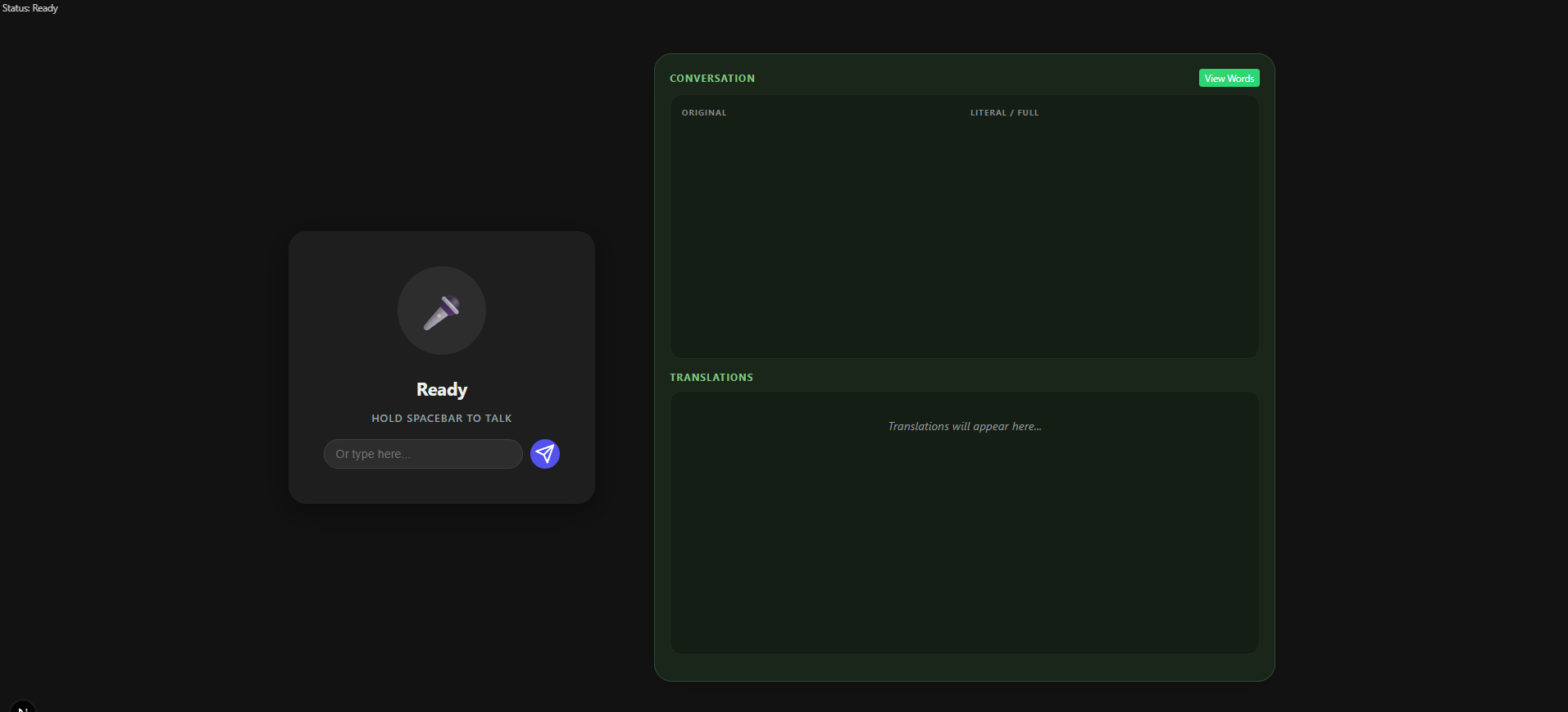
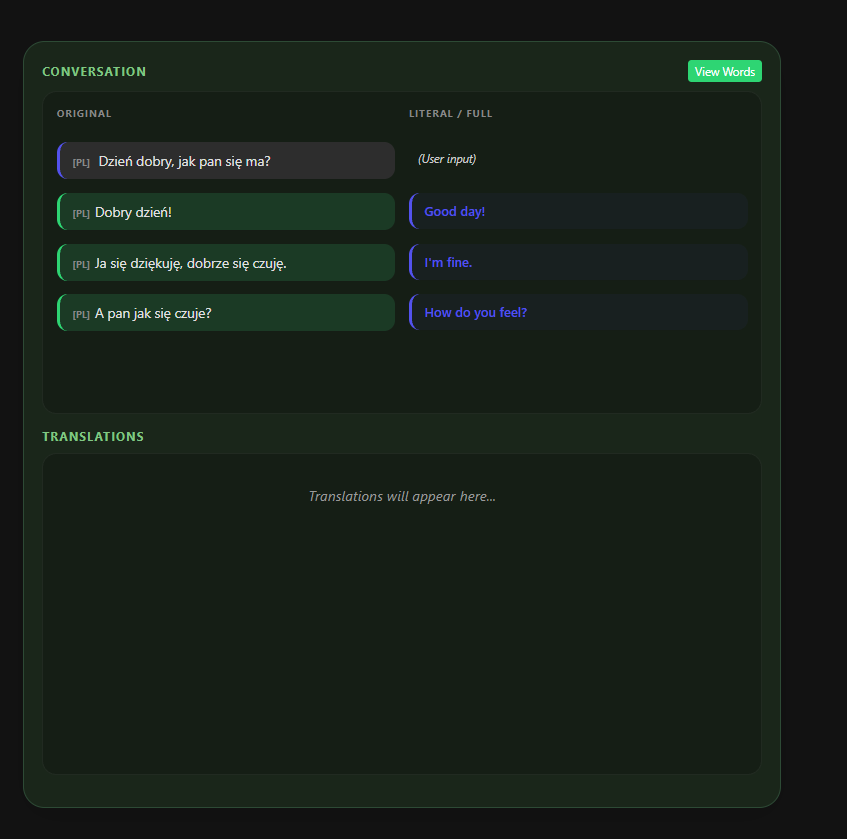
I wanted to be able to speak naturally, make mistakes, receive corrections, and continue the conversation without feeling like I was completing a predefined exercise. I also adapted the design of the app so that i could save words and translate sentences on the fly. I discovered lightweight NLP libraries that took the project quite far without the need of more AI loops and processing.
Going local
One of the most interesting parts was experimenting with smaller, locally hosted language models. I was genuinely amazed by how capable they could be, especially considering that everything was running on my own hardware.
The application combined three different components:
- Speech-to-text (STT): converting spoken input into text.
- Large Language Model (LLM): interpreting the input and generating an appropriate response.
- Text-to-speech (TTS): turning the generated response back into audio.
Keeping everything local was particularly appealing. No dependency on expensive API calls, no external service required for every interaction, and much more control over the entire pipeline.
Of course, the limitations became apparent quite quickly. Smaller models can struggle with context retention, complex instructions, and sometimes even basic conversational consistency. Speech recognition and synthesis also introduce their own challenges, particularly when dealing with different languages and accents.
Still, the experience was surprisingly good.
More than just one language
What started as a personal experiment eventually grew into something more ambitious. I expanded the application to support Italian, Ukrainian, and Norwegian. The goal was to test including more languages to test the LLMs capacity to answer, and to see how the performance was affected when adding more tts and stt models.
This introduced another interesting dimension: language-specific behavior. It wasn't enough to simply change the language of the generated response. The entire interaction needed to make sense within the target language.
I wanted the application to become a flexible learning environment rather than another collection of predefined exercises.
Making it easy to run
One detail I was particularly proud of was packaging the application's entry point into two simple scripts: one for Bash and another for PowerShell.
The goal was to make the entire environment as painless as possible to start. A single command would take care of setting up and launching both the web client and the backend infrastructure.
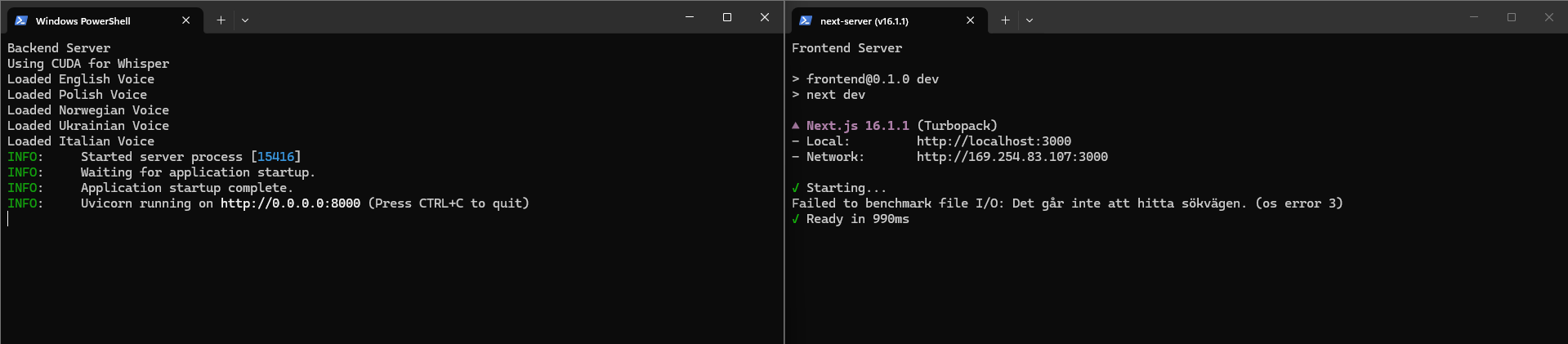
The backend ran inside Docker containers, hosting the models responsible for speech-to-text, text-to-speech, and language generation.
I liked the idea that someone shouldn't need to understand the underlying infrastructure just to try the application.
What I took away
This project was a great opportunity to experiment with local AI infrastructure and understand how different models and services can work together to create something useful.
It also reinforced something I find increasingly interesting about AI: you don't necessarily need the biggest model or the most expensive API to build something genuinely valuable.
Sometimes, you just need a problem that annoys you enough to build your own solution.
And in this case, I just wanted to learn languages without paying for another subscription.